Artificial intelligence has revolutionized creativity. In just a few years, AI image generators have evolved from fun experimental apps into powerful “design assistants” for artists, marketers, educators, and many other fields. However, with dozens of options — from OpenAI, Midjourney, Adobe Firefly, and Canva to Freepik — how do you know which tool is the best fit for you?
In this guide, we’ll explore the best AI image generators, both free and paid…

How AI Image Generators Work
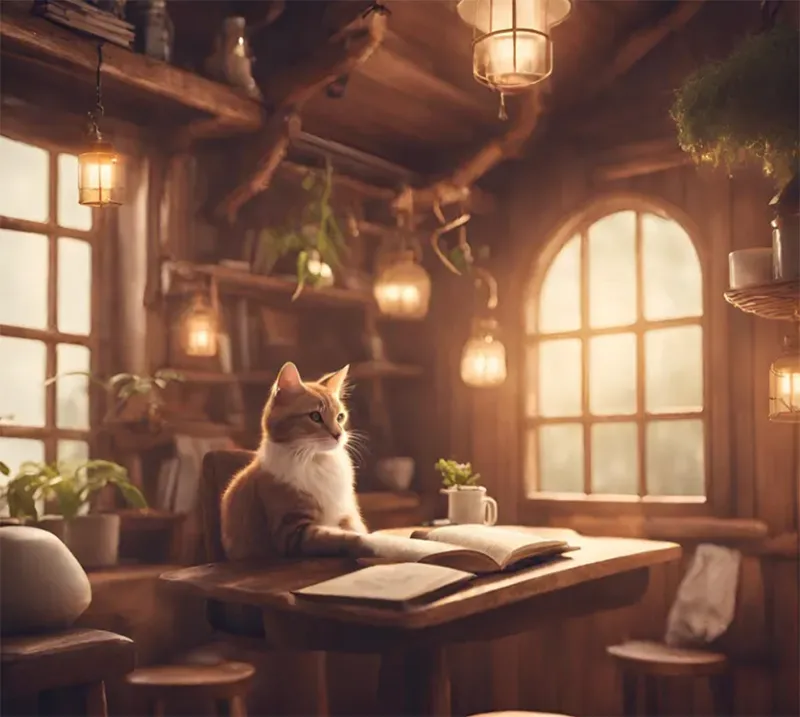
AI image generators use deep learning to turn text prompts into pictures. They’re trained on massive datasets of image–text pairs, learning how words relate to visual elements like color, texture, and style.
Most modern tools (like DALL·E 3, Midjourney, and Stable Diffusion) use diffusion models — a process that starts with random noise and gradually refines it into a coherent image guided by your prompt.
Here’s the basic process:
- Text encoding: Your prompt (“a cat wearing sunglasses”) is converted into a numeric vector that captures its meaning.
- Noise generation: The model begins with random pixels.
- Diffusion (denoising): The AI removes noise step by step, shaping the image based on the text vector.
- Post-processing: The image is enhanced for sharpness, lighting, and detail.
Other model types like GANs and Transformers also exist, but diffusion has become the industry standard due to its quality and control.
AI doesn’t truly understand images — it predicts patterns based on training data. This is why results can be both stunning and sometimes strange.
Modern models also face ethical issues (like copyright and bias), prompting companies such as Adobe to use licensed or ethical datasets.
You may be interested AI Image Search: The Future of Visual Discovery
Top Picks – What is the Best AI Photo Generator Overall?
When evaluating the best photo AI generator, we look at three critical factors: image quality, speed, and customization/user experience. The market is dominated by a few major players that consistently deliver professional-grade results.
Midjourney: The King of Aesthetic Quality and Style
Midjourney is arguably the current gold standard for aesthetic appeal. It excels at generating images with unparalleled artistic flair, lighting, and composition. Its recent V6 model significantly improved its ability to understand complex, multi-layered text prompts, offering an unprecedented level of control.
- Pros: Exceptional photorealism and artistic quality, vast stylistic range, strong community.
- Cons: Primarily accessed via Discord (which can be a barrier for some), steep learning curve for advanced prompting, no dedicated free AI photo generator tier (only a very limited trial).
- Best For: Professional artists, concept designers, and users prioritizing maximum artistic output quality.
DALL-E 3 (via ChatGPT Plus/Bing Image Creator): The Master of Coherence
Developed by OpenAI, DALL-E 3 is celebrated for its remarkable ability to link concepts and details within a single image. Unlike earlier models that struggled with text or complex scene descriptions, DALL-E 3 perfectly understands nuanced prompts, often resulting in exactly what the user intended.
- Pros: Superior prompt understanding, excellent handling of text within the image, seamlessly integrated with ChatGPT for enhanced prompt generation.
- Cons: Less stylistic flexibility compared to Midjourney, some limitations on specific artistic styles.
- Best For: Content marketers, bloggers, and anyone needing highly accurate visual concepts quickly.
- Note: Its integration into Bing Image Creator makes it one of the best free AI photo generator options (see Chapter 2).
Stable Diffusion (Various Interfaces): The Powerhouse of Customization
Stable Diffusion is unique because it’s an open-source model. This has led to a massive ecosystem of variations, specialized models (called “checkpoints”), and user interfaces (like Automatic1111, ComfyUI, and commercial platforms like DreamStudio). It offers the deepest level of control, especially for advanced users who want to fine-tune every aspect of the image.

- Pros: Infinite customization, open-source community, supports inpainting, outpainting, and other advanced techniques.
- Cons: Requires significant technical know-how or powerful hardware to run locally, can be overwhelming for beginners.
- Best For: Advanced users, developers, and creators needing absolute control over their output.
You may be interested Best AI Image Generator: Free Tools & Pro Applications
The Best Free AI Photo Generator Options for Budget-Conscious Creators
The barrier to entry for AI art is surprisingly low, thanks to several powerful tools offering generous free tiers. These are the top contenders for the title of best free AI photo generator:
Bing Image Creator (Powered by DALL-E 3)
As mentioned, Microsoft has integrated the highly advanced DALL-E 3 model into its Bing/Copilot platform. Users receive daily “boosts” (fast generations), making it the most powerful and accessible free photo AI generator available today.

Key Features: Powered by DALL-E 3, highly coherent results, genuinely free with daily allowance.
Leonardo AI
Leonardo AI is a platform built on various Stable Diffusion models, but packaged with an extremely user-friendly interface. It grants users daily tokens to generate images, allowing them to experiment with numerous specialized models and tools without spending a dime.

Key Features: Intuitive interface, access to specialized “finetuned” models, generous daily tokens.
Adobe Firefly
Adobe’s entry into the space is seamlessly integrated with their Creative Cloud ecosystem. While the best features are for paid subscribers, the web version offers a free tier with a monthly generation allowance. It’s particularly strong for commercial use due to its focus on generating ethically-sourced, copyright-safe content.
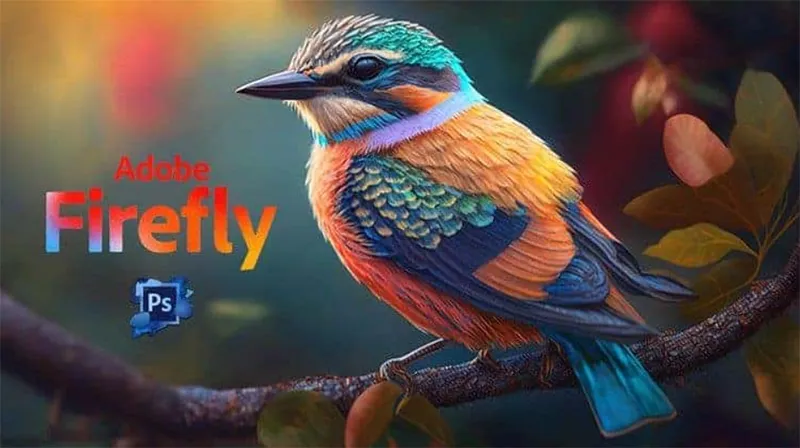
Key Features: Ethical training data, strong commercial use focus, excellent text effects and inpainting tools.
You may be interested The best things to ask chat GPT: Smart, Fun, and Funny Prompts to Try in 2025
Mastering the Art of the Prompt – Best Tips for AI Prompts
The generator is only as good as the prompt you feed it. Learning how to communicate your vision effectively to the AI is the single most important skill. Here are the best tips for AI prompts to elevate your images from amateur to masterpiece:
Be Specific, Not Vague
Instead of: “A dog in a park.”
Try: “A golden retriever puppy sitting patiently on a vibrant green lawn under a warm, late-afternoon sun, highly detailed, bokeh effect.”
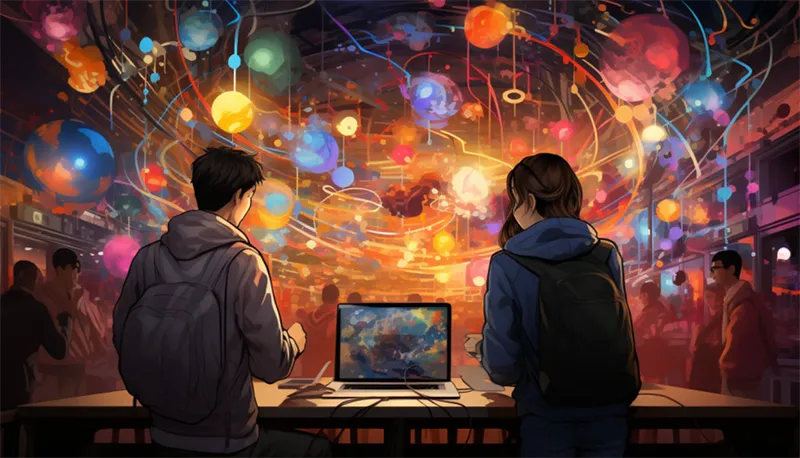
Utilize Artistic Mediums and Styles
Specify the artistic treatment you want. This tells the AI what kind of trained data to prioritize.
Keywords: Oil painting by Van Gogh, Photorealistic studio portrait, Digital Art, Pencil Sketch, Cinematic Lighting, Ukiyo-e woodblock print.
Control Camera and Composition
Think like a photographer. Use terms to define the perspective and lens.
Keywords: Close-up, Wide-angle shot, 8K photo, Depth of field (DOF), Rule of thirds, Extreme macro, Aperture f/1.8.
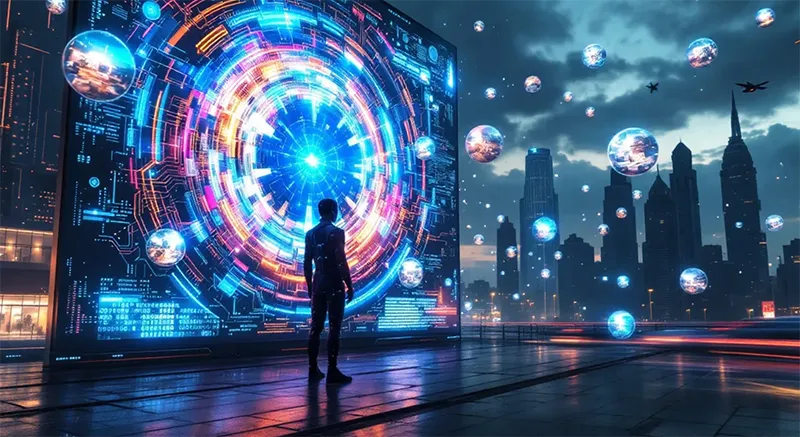
Define Lighting, Color, and Atmosphere
Lighting is crucial for realism and mood.
Keywords: Volumetric light, Rim lighting, Global illumination, Neon purple and teal lighting, Ethereal fog, Golden hour, Moody lighting.
Exclude What You Don’t Want (Negative Prompts)
Most advanced generators allow you to specify things to avoid. This is critical for improving quality.
Example (Negative Prompt): blurry, low resolution, extra fingers, cartoon, ugly, text, watermark.

Advanced Prompting and NSFW Content Considerations
Many users seek the best tips for AI prompts photo generator NSFW for artistic expression. It is essential to understand that all major, mainstream AI photo generators (Midjourney, DALL-E 3, Adobe Firefly) have strict policies against generating explicit $NSFW$ (Not Safe For Work) content, especially that which is illegal, harmful, or non-consensual.
- The Ethical Boundary: The AI models are trained to filter out explicit terms and concepts. Attempts to bypass these filters for overtly graphic content will likely result in a prompt refusal or a content ban.
- Artistic Suggestion: If you are seeking suggestive, artistic, or stylized imagery (e.g., highly aesthetic nude studies, implied sensuality, stylized fashion shoots), you must use artistic and conceptual language to convey the mood without using banned explicit words.
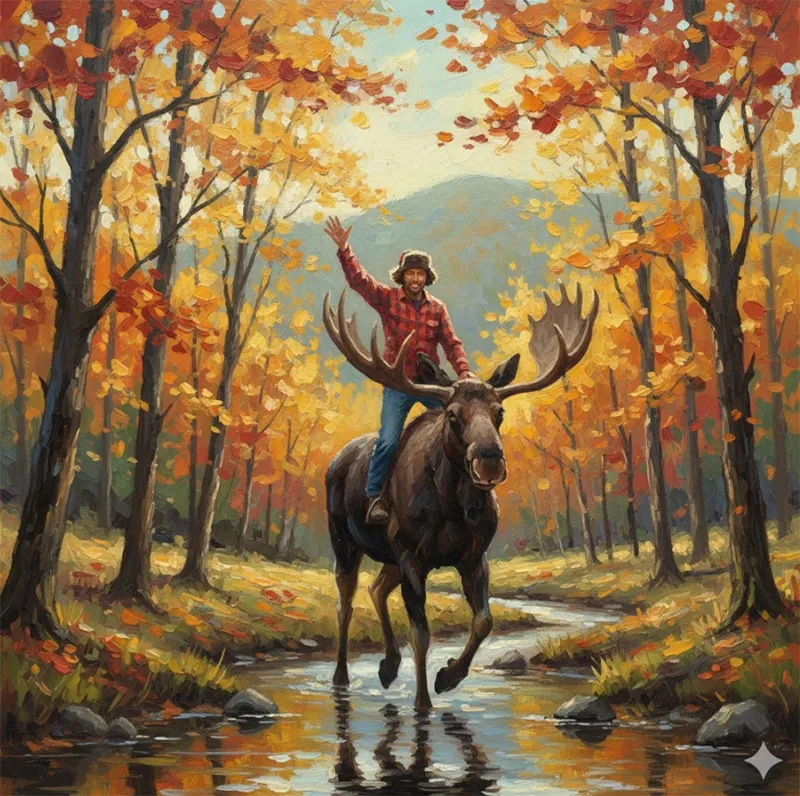
- Try using: Ethereal form, draped in silk, sculpture, classical pose, artistic rendering, soft focus, chiaroscuro lighting, anatomy study.
- The Alternative: For creators specifically needing unrestricted access, they must turn to locally-run, self-hosted versions of Stable Diffusion where content filtering is entirely the user’s responsibility, and they must adhere to local laws.
You may be interested How to Cancel ChatGPT Subscription (Plus, Pro, Team, or Enterprise)
Use Cases – Who Needs an AI Photo Generator?
The utility of a best photo AI generator extends far beyond mere novelty.
| User Group | Primary Use Case | Key Generator Feature |
| Bloggers/Content Creators | Creating unique featured images and thumbnails quickly. | DALL-E 3’s high coherence and speed. |
| Small Business Owners | Generating mockups for products, logos, or social media campaigns. | Adobe Firefly’s commercial safety and integration. |
| Digital Artists | Creating quick concept art, character designs, or unique textures. | Midjourney’s artistic quality and Stable Diffusion’s control. |
| Designers/Architects | Visualizing interiors, exteriors, or abstract design concepts. | Prompt precision and perspective control. |
Whether you choose the artistic depth of Midjourney, the prompt coherence of DALL-E 3, or the limitless control of Stable Diffusion, the best AI photo generator is the one that fits your workflow, budget, and creative goal. Start with a best free AI photo generator like Bing Image Creator to master the basics of prompting. Once you understand the nuances, you can invest in a powerful platform to truly unlock your digital art potential. The revolution is here—it’s time to start creating.
A user-friendly AI platform that’s easy to deploy, helping SMEs automate processes, boost efficiency, and connect with customers naturally.
LIKEFLOW – Smarter AI, Faster Growth
- Phone : +1(719) 313 7576
- Email : support@likeflow.ai
- Address : 1942 Broadway St. STE 314C Boulder CO 80302

Leave a Reply