The world of AI image generation has exploded, transforming the landscape of digital art and opening up possibilities once confined to the realm of science fiction. As an AI artist and prompt engineer, few things are as rewarding as seeing a conceptual series resonate deeply with the online community. This article is a comprehensive deep dive into my most successful and most popular AI image series to date: “The Cyberpunk Samurai of Neo-Kyoto.”
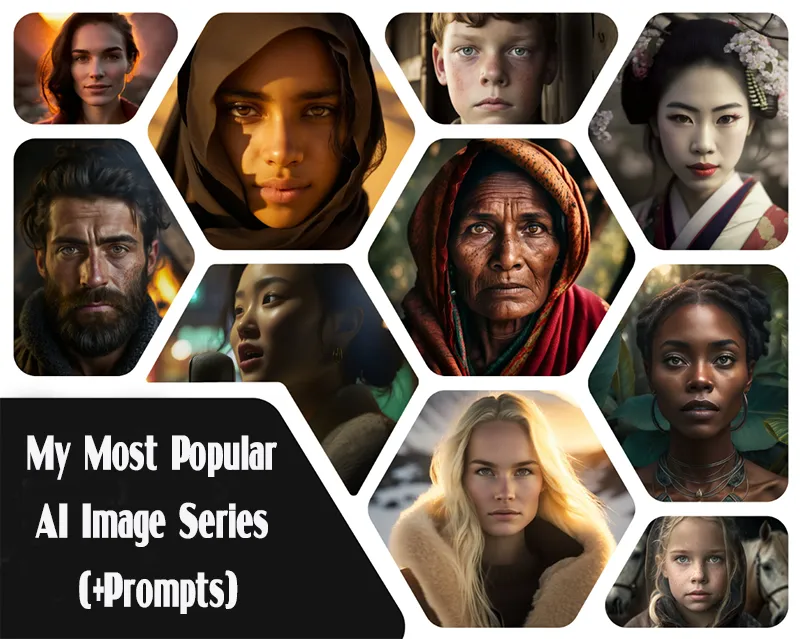
This series wasn’t just a random collection of stunning visuals; it was a meticulous blend of thematic coherence, technical precision, and a deliberate exploration of a niche genre. Its popularity didn’t stem from luck, but from a careful understanding of both the chosen AI model (in this case, Midjourney V6) and the principles of compelling visual storytelling.
A few thoughts on AI image prompting
I’ve never really liked the term “AI artist.”
In fact, I’ve never thought of myself as one.
If you’re simply generating an image in Midjourney and stopping there, calling yourself an “artist” feels like too strong a word. Unless AI images are just one step in a broader creative workflow, the label doesn’t quite fit.
A more accurate description for what most of us do would be “prompter-curator.” You prompt the model to generate a variety of images, then curate the results—handpicking the best ones. That’s typically the whole process.

When it comes to prompting, I’m a big believer in the less-is-more philosophy. I’ve been against what I call “splatterprompting” since early 2023—overloading prompts with buzzwords like “award-winning” or “ultra-realistic” rarely improves results.
Text-to-image models have become so advanced in understanding natural language that you can even use large language models (LLMs) to help refine your prompts. My ongoing list of the best Midjourney prompts reflects this approach: short, meaningful modifiers instead of long, cluttered ones.
Here’s the workflow I recommend when working with text-to-image models:
- Start simple. Begin with a minimal prompt and only expand it if necessary.
- Iterate often. Expect to generate many variations before getting the perfect image. Some of my own series required dozens of rerolls for each final piece.
- Have fun. At the end of the day, creativity should be enjoyable—not overengineered.
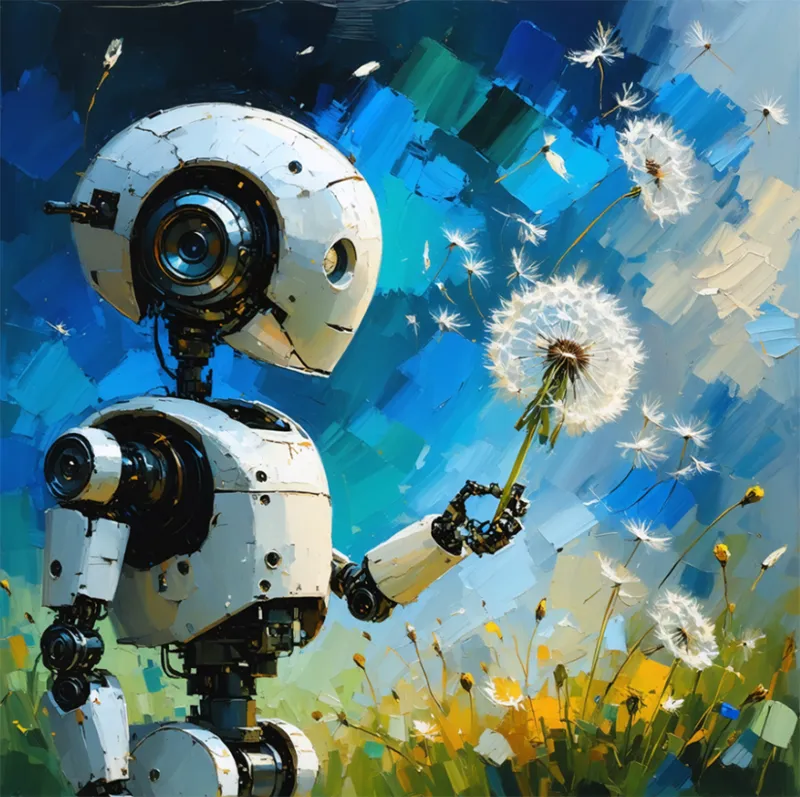
Without further ado, here are 10 of my most popular image series, grouped by their Midjourney “eras”: V4, V5, and V6 — plus one DALL·E 3 collection.
You may be interested AI Image Search: The Future of Visual Discovery
How to Write the Perfect AI Image Prompt for Your Business
Crafting the perfect AI image prompt for your business’s creative needs takes a bit of finesse. The right prompt can make all the difference between a generic output and a visually stunning, on-brand image. Use these three expert tips to guide your AI image prompt writing process and elevate your brand visuals.
Choose the Right AI Tool
Not all AI image generators are created equal. Each platform interprets prompts differently, so the same input may produce very different results. The key is experimentation — test a few tools to find the one that best matches your brand’s creative style and marketing goals.
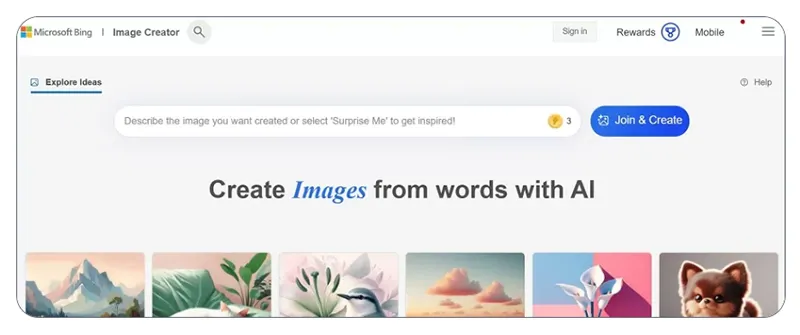
Start by exploring some popular options:
- AI content generators for written and visual content
- AI photo generators for marketing visuals and product photography
For instance, Microsoft’s Image Creator and similar tools make it easy to generate marketing images in just seconds.
(Example: Screenshot of an AI image generation tool like Microsoft Image Creator)
Include Specific Details in Your AI Image Prompts
When it comes to crafting effective AI image prompts, detail is your best friend. The more context you provide, the better your results. You can even include reference images to inspire your AI tool and ensure visual consistency.
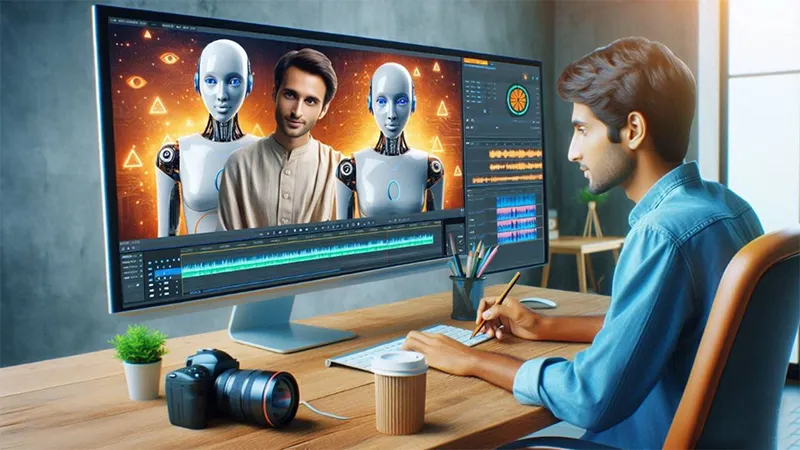
Here are key details to include in your prompts:
- Image type: photo, illustration, product shot, infographic, etc.
- Subject: product, person, object, or scene
- Size specifications: based on your social media or ad format
- Mood or tone: energetic, elegant, minimalist, bold, etc.
- Art style: realistic, cartoon, flat design, watercolor, etc.
- Brand elements: brand colors, logo, typography, and guidelines
- Setting or background: indoor, outdoor, abstract, studio backdrop, etc.
- Foreground details: product photos, brand mascots, or key visual elements
- Text elements: specify fonts, layout, and placement
- Audience and purpose: who you’re targeting and what message you want to convey
- Emotional intent: how you want viewers to feel when they see the image

Pro tip: When asking AI questions about image generation, specify the length of the response you want to avoid overly long explanations. For video content, include your script or closed-caption text in the prompt.
You may be interested Platform vs application: Comprehensive analysis
Balance AI with Human Creativity
While AI image tools can save time and spark creativity, they can’t replace professional designers. Continue collaborating with your in-house team, freelancers, or marketing partners to refine and review your final visuals.
Combining AI-generated and manually designed images helps preserve your brand’s authenticity while speeding up production. Always have design professionals review and edit all AI-created content before publishing — this ensures quality, consistency, and compliance with your brand identity.

Take Your Marketing Further with AI
AI is revolutionizing how businesses create, design, and communicate. Whether you’re producing social media visuals, ad campaigns, or video scripts, smart prompting can help you unlock the full potential of AI in your marketing strategy.
Ready to leverage AI across all your marketing channels?
You may be interested Best AI Image Generator: Free Tools & Pro Applications
AI Image Prompts Any Business Can Use
No matter your niche or industry, the right AI image prompts can play a major role in your marketing success. Whether you’re designing website visuals, creating ads, or producing social media content, these prompt ideas will help you generate creative, on-brand images faster and more effectively.
AI Image Prompts for Business Websites
If you’re looking to create professional visuals that align with your brand and help your site rank in image search results, try these AI prompt ideas:
- Suggest images I could use on my [industry] website that target [keywords]. [Paste your site link]
- What images could I include in my [industry] business content to rank in image search results for [keyword list]?
- Draft alt text for the attached images targeting these keywords: [insert keyword list and attach images]
- Create an eye-catching banner image of [product or service offer] for my [industry] website.
- Arrange these statistics into an infographic for my website [paste site link].
- Create a lifestyle image of [product] in a modern, vibrant setting to highlight its features.
- Generate high-quality images of a [product] from multiple angles showcasing its key attributes.
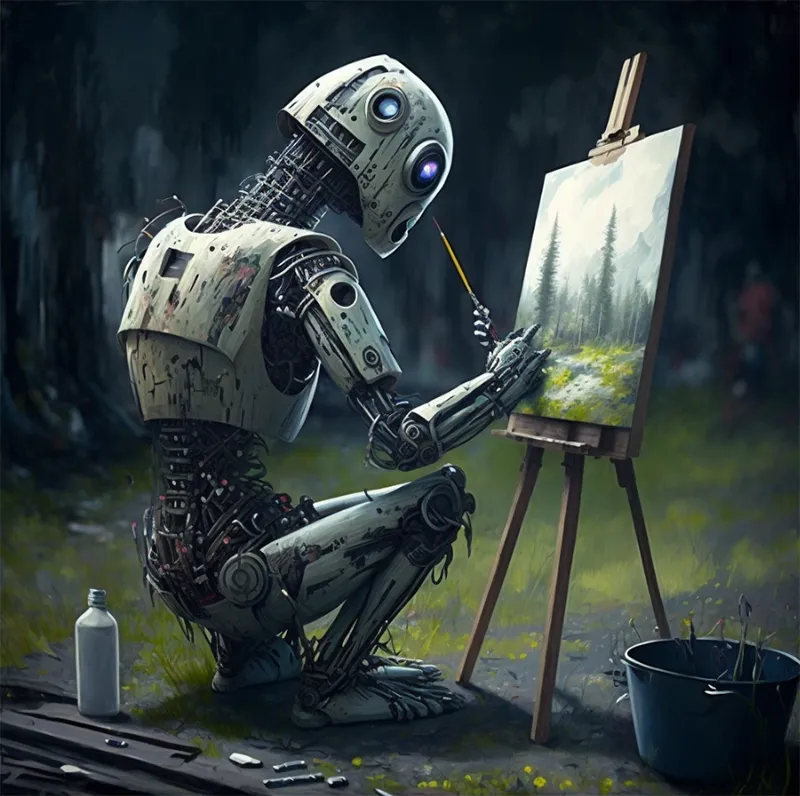
- Illustrate an image that reflects my business’s core values — [list values]. Make it feel personal and authentic.
- Create a photo-realistic image of a customer happily engaging with my business (e.g., in a shop, using a service).
- Design an image of my team working in a workshop or office environment focused on [product or service].
- Create a festive, themed image for [holiday/season] featuring my product or service.
- Design a promotional flyer or poster for an upcoming [event/product launch] with bold text and vibrant colors.
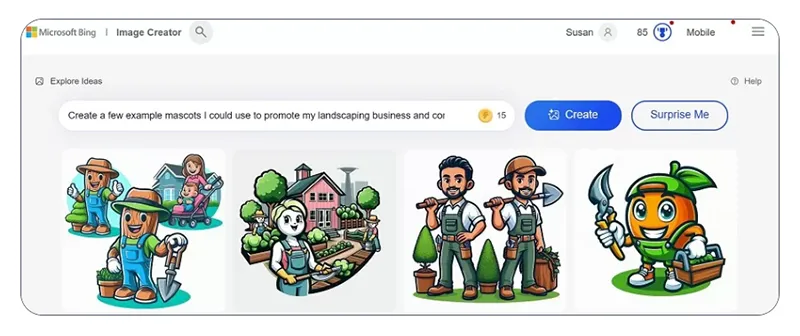
- Generate a few example mascots to represent my [industry] business and connect with [target audience].
(Example: Microsoft Image Creator or similar AI image tools can help visualize these ideas quickly.)
AI Image Prompts for Social Media
You may be interested AI Social Media Marketing for Smarter Brand Growth
Facebook Image & Video Prompts
Use these AI prompts to design engaging Facebook visuals and ads that drive attention and clicks:
- Suggest royalty-free stock images for my Facebook lead ads promoting [offer].
- List 10 eye-catching visuals I could create to promote [product or service] to [target audience].
- What are five Facebook image trends my [industry] business could use to market [offer] to [target audience]?
- Add a scenic mountain photo behind our logo for our Facebook page cover. [Attach logo]
- Design a Facebook cover photo that reflects my brand’s personality — [e.g., modern, professional, friendly] — and includes my logo and tagline. [Paste logo/tagline]
- Create seasonal product photos for Facebook lead ads that align with my page aesthetic. [Link to business page]
- Generate a trendy, colorful carousel post promoting [offer], with bold text and vibrant imagery. [Link to business page]
- Design a short video introduction explaining my business, values, and why customers should care. [Link to Facebook page]
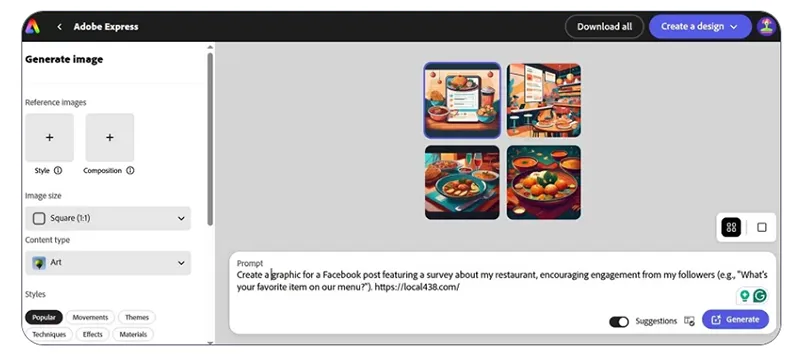
- Create a poll graphic for a Facebook post asking followers a question about [product/service].
Instagram Image & Video Prompts
Use these prompts to boost engagement and visual storytelling on Instagram:
- Design a series of story graphics teasing an upcoming [offer or event].
- Write captions and image descriptions promoting [offer] for better accessibility. [Attach image]

- Suggest Instagram image ideas inspired by competitors: [link to competitor post].
- Create a 15-second Reel showcasing [product/service] in different settings, with catchy music. [Link to product catalog]
- Generate a quick behind-the-scenes Reel showing how my product is made or service delivered.
- Recommend the best image to use as my business profile picture. [Attach options]
TikTok Image & Video Prompts
Want to use AI to boost your short-form video strategy? Try these AI video and image prompt ideas for TikTok:
- Draft a TikTok script for influencer [link] to promote my [product/service].
- List five trending TikTok ideas my [industry] business could use to reach [target audience].
- Compile clips from our most-viewed TikToks into a highlight reel.
- Create a cover image for this TikTok video draft. [Attach video]
- Generate a “day in the life” TikTok featuring my team at work.

- Design a trend-based TikTok using [product] in a creative challenge with popular music.
- Create a split-screen TikTok showing before-and-after results of using my product.
- Generate an educational TikTok with images that explain how we make our product from start to finish.
AI Image Prompts for Google & Bing Display Ads
Looking to bring AI into your paid ad strategy? These prompts can help you design ad visuals that perform across platforms:
- Duplicate the attached image with a different CTA for an A/B display ad test. [Attach image]
- Suggest A/B test ideas for the attached video ad. [Attach video]
- Write closed captioning for this video ad.

- Create a retargeting video reminding users about an item they viewed. Use a CTA like “Come Back and Complete Your Order!” [Insert website link]
- Design a Google Display Ad introducing my brand — include logo, slogan, and a short tagline about what makes us unique. Use a minimalist, bold layout.
- Based on audience traits, suggest Bing ad variations of the following Google display ads. [Paste ad images]
Make AI Image Prompts Part of Your Creative Process
Remember, AI image generation shouldn’t replace your in-house designers or creative partners. Instead, use it to complement your marketing workflow — helping you brainstorm visuals, mock up ideas, and create quick assets for testing or inspiration.
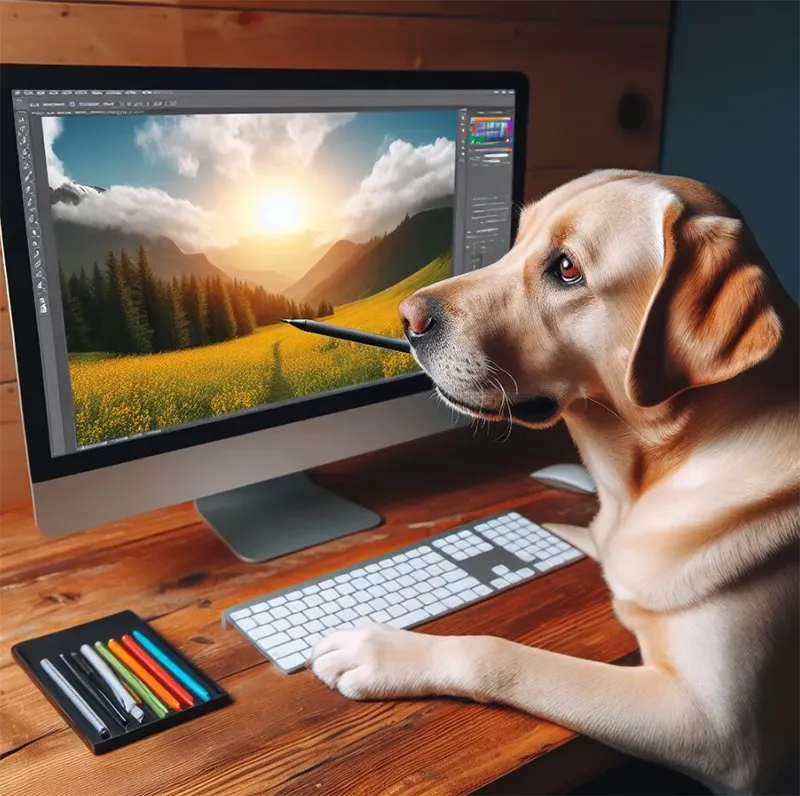
Combining AI-generated content with human design expertise ensures your brand stays authentic, polished, and compliant with your visual identity.
To stay consistent, consider developing an AI use policy that outlines best practices for your team.
You may be interested The Ultimate Guide to the Best AI Photo Generators
Suggested Expert Commentary Additions
To add authority and context, you could weave in insights from AI artists, prompt engineers, or digital art theorists. For example:
On Midjourney V4’s era of creativity: “V4 was when prompt engineering felt like discovery. Every phrase could spark an unexpected world,” says Anna Ridley, AI artist and prompt design educator. “The model’s imperfections often produced its most human-feeling art.”
On the emotional link in ‘Cats in Hats: Worldwide Tour’: “AI art becomes meaningful when the creator’s story anchors it,” notes Dmitry Hnatko, Ukrainian digital storyteller. “The image of the Ukrainian cat wasn’t just aesthetic — it was identity, resilience, and memory, encoded in pixels.”
On evolving prompt simplicity: “The best prompts weren’t long — they were intentional,” explains Morgan Toth, creative technologist. “V4 taught us that specificity beats verbosity every time.”
On Midjourney V5’s realism: “V5 blurred the line between AI art and photography,” says Sarah James, editor at AI Visual Culture Review. “It allowed artists to experiment with believability — not just imagination.”
On V6’s narrative depth: “V6 turned prompts into prose,” observes Leo Renner, AI aesthetics researcher. “It finally reads tone, context, and cinematic structure like a creative partner, not just a tool.”
On DALL·E 3’s linguistic precision: “DALL·E 3 showed that visual AI can understand text meaningfully — not just stylistically,” adds Daniel Huynh, OpenAI prompt developer. “It made wordplay and conceptual humor possible, as seen in ‘Misunderstood Superheroes.’”
You may be interested The best things to ask chat GPT: Smart, Fun, and Funny Prompts to Try in 2025
My Most Popular AI Image Series isn’t just a showcase of creative experiments — it’s a journey through how imagination evolves alongside technology. Each series reflects the blend of humor, culture, and storytelling that defines the art of prompting, reminding us that AI art is ultimately about human creativity at its core.
A user-friendly AI platform that’s easy to deploy, helping SMEs automate processes, boost efficiency, and connect with customers naturally.
LIKEFLOW – Smarter AI, Faster Growth
- Phone : +1(719) 313 7576
- Email : support@likeflow.ai
- Address : 1942 Broadway St. STE 314C Boulder CO 80302
Leave a Reply